
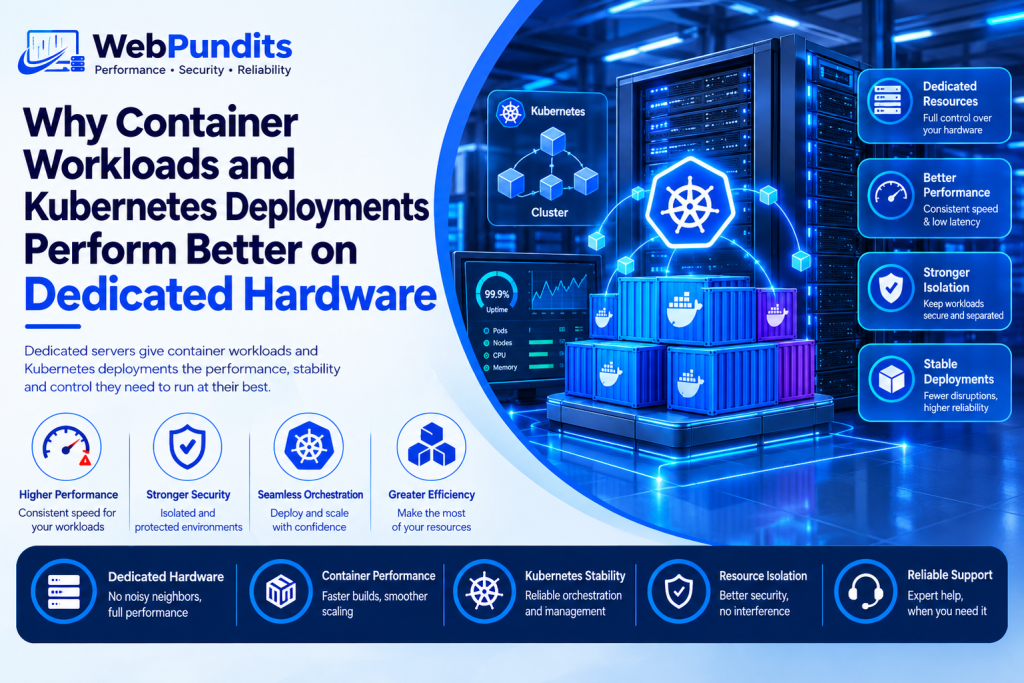
Kubernetes on a shared VPS fails under load. Resource contention causes Pod evictions, unpredictable latency, and failed deployments. A setup that works well with a few containers can behave very differently once traffic, background jobs, and new services start competing for the same resources.
Containers are lightweight, but the applications inside them still need CPU, RAM, storage, and network capacity. Webpundits provides dedicated server options that can give businesses greater control over the infrastructure supporting these workloads.
For teams considering a dedicated server for container workloads, the key question is not simply whether dedicated hardware is faster. It is whether the infrastructure can provide the capacity and consistency that production containers need.
Key Takeaways
- Kubernetes relies on the availability of CPU and memory to determine where the Pods can be deployed.
- The shared VPS infrastructure might be prone to resource starvation with multiple workloads competing for resources.
- The dedicated servers provide an organization with access to the physical server CPU, RAM, storage, and networking components.
- Resource-intensive containerized environments like CI/CD, microservices, and staging can benefit from resource predictability.
- CPU cores, RAM capacity, storage speed, and network throughput will play the key roles in choosing the server.
Why Does Kubernetes Need Guaranteed Resources?
Kubernetes does not simply load applications into the server and assume that it will have sufficient capacity to handle them. Requests for memory and CPU are made for each individual Pod and Kubernetes takes note of those in determining if the Pod can be loaded into the node.
This becomes especially relevant when multiple applications are working together. There could be a small web application that consumes negligible amounts of CPU while experiencing normal traffic but might need more CPU in the case of increased traffic.
A database could have higher memory requirements whereas the build process would consume higher amounts of CPU and disk I/O at particular intervals.
Dedicated hardware gives teams a larger and more predictable resource pool for these workloads. That makes it easier to plan capacity around the applications running on the node.
How Does the Noisy Neighbour Effect Affect Shared VPS Performance?
A shared VPS can look sufficient when workloads are small. Problems can appear when other virtual machines on the same physical host consume significant resources.
Consider the physical server as an office building. While every VPS Server has its space, the office building still maintains its common facilities. Activities going on around can have an impact on the facilities of each of the tenants.
This is commonly referred to as the noisy neighbor effect. The activities of CPU utilization, storage usage, and network usage create competition for the underlying hardware.
That does not mean every VPS will suffer from poor performance. Providers use virtualization controls and resource limits to manage this environment. Kubernetes itself also provides controls that can reduce the risk of one workload consuming excessive resources.
According to Web Pundits, teams running 5 or more containers simultaneously begin hitting resource ceilings on shared VPS within the first 90 days. This highlights why businesses should watch CPU, RAM, storage, and network usage as their container count grows.
How Does Dedicated Hardware Solve Resource Competition?
A dedicated server modifies the concept of resource usage. In case of a dedicated server, one physical machine will be dedicated to one customer only; hence the CPU, memory, disk space, and network bandwidth resources belong to the client only.
The dedicated server for Kubernetes can provide more flexibility when it comes to resource allocation in nodes and pods.
The main advantages are:
CPU capacity allocation: The containers will be able to take advantage of the processor power that is available on the server without having to compete with other irrelevant tenants.
Full use of RAM: The memory-intensive Pods will get access to the total amount of RAM installed on the server minus the amount allocated to the operating system and the Kubernetes software.
Storage: NVMe or SSD drives can be used to improve container image management, application data, logging, builds, and persistent workloads.
Greater configuration control: Organizations will have the freedom to choose the operating system, Kubernetes setup, storage, and security options.
Using dedicated hardware does not eliminate all bottlenecks. Misconfigured resources, inefficient applications, low storage, or poor network throughput might create bottlenecks as well.
Which Container Workloads Benefit Most From Dedicated Hardware?
Differing workloads require different resource consumption. Dedicated server resources become more useful if multiple workloads have to be executed at once or if performance spikes negatively impact business processes.
CI/CD pipelines: Execution of build and test tasks results in spikes in CPU, memory, and storage consumption. Running multiple tasks at once places load on limited resources of a small VPS.
Microservices: Increasing application could include numerous containers that exchange messages with databases, APIs, queues, and other services. Resource consumption grows with increasing number of services.
Staging environment: Developers try to replicate the production workload in the staging environment. Limited staging environment may be overloaded by running multiple services, tests, databases, and monitoring.
Businesses looking for affordable dedicated servers should still compare the actual resource requirements of their workloads rather than choosing hardware based only on price.
What Server Specifications Should You Check Before Moving Containers?
CPU cores, memory, storage space, and networking capabilities should be considered first in choosing your infrastructure.
First of all, CPU cores should be chosen based on the number of containers to be simultaneously used and the nature of their tasks. More cores will provide more scheduling capabilities for Kubernetes to schedule multiple tasks that can be executed simultaneously.
Memory is another aspect that requires attention from you. You should keep some extra memory aside for running Kubernetes systems and OS processes, as well as some buffer memory for extra workload.
Performance is equally important when the container performs read/write operations often. NVMe storage could be helpful for build systems, databases, logs, and other I/O-intensive tasks.
Throughput must match application network traffic, internal services communications, backups, image downloads, and external API calls.
Cost is an important consideration in addition to the above specifications. Businesses comparing a cheap dedicated server USA option with cloud or VPS infrastructure should calculate the resources they actually receive rather than comparing the monthly price alone.
When Does Dedicated Hardware Make More Sense Than a VPS?
A VPS may also serve as a great initial solution for a small containerized application. The question of dedicated hardware appears to be relevant if resource consumption stays high, if workloads are constantly competing for capacity, or if production applications require more predictable performance.
CPU utilization, memory usage, disk I/O, network activity, Pod restarts, and deployment failures must be monitored prior to moving to dedicated hardware, as node autoscaling is one of the capabilities offered by Kubernetes – an additional way to scale when pods cannot be placed on nodes anymore.
One more alternative for those companies looking for physical hardware but not ready to move all their workloads to the huge cloud is a cheap USA dedicated server.
The goal is simple that one needs to select a solution that provides enough capacity to containerized applications now and leaves enough space for growth later.
Upgrade Your Container Infrastructure with Webpundits
A dedicated server for container workloads can give Kubernetes applications a larger and more predictable resource pool, especially when multiple containers compete for CPU, RAM, storage, and network capacity.
The right choice still depends on workload size, resource usage, traffic patterns, and budget. Businesses can also compare the cost of the cheapest dedicated server USA options with their current VPS or cloud spending before making a move.
Webpundits offers dedicated server options that give businesses the resources and control needed for containerised applications. Explore available server configurations and choose the infrastructure that fits your workloads, performance needs, and growth plans.
CTA: Explore Webpundits Dedicated Servers
FAQs
1. Does Kubernetes require a dedicated server?
No. Kubernetes can be run on virtual machines, cloud infrastructure, or physical servers. Dedicated hardware is helpful when workloads require predictable resources or when resource contention is a constant problem.
2. Why do containers fail in shared VPS environments?
Container problems may arise from constraints of CPU, memory, storage and network resources. Improper setting of resource requirements and limit can also lead to container throttling, out of memory kills and unavailability of Pods scheduling.
3. Is a dedicated server better for microservices?
It can be useful in microservice environments running many services simultaneously, especially when those services generate sustained or unpredictable resource demand. Workload and required capacity determines the right choice.
4. How much RAM is required for a Kubernetes server?
There is no universal RAM requirement. The amount depends on the number of Pods, the application requirements, databases, monitoring services and expected traffic. Consider workloads and actual resource usage before allocating server capacity.